Lead Nurture Automation for Dental Practices — Recover Missed Calls
Recover the 7pm new-patient call, fill cancelled slots from the waitlist, and bring lapsed recall patients back — without adding front-desk hours.
The problem
Most dental practices lose new patients in the same three places, and the losses are quiet. They do not show up as a complaint or a bad review. They show up as a schedule that runs 80% full instead of 95%, a hygiene column with two empty rows on Thursday, and a recall list that has been growing for a year.
After-hours new-patient inquiry
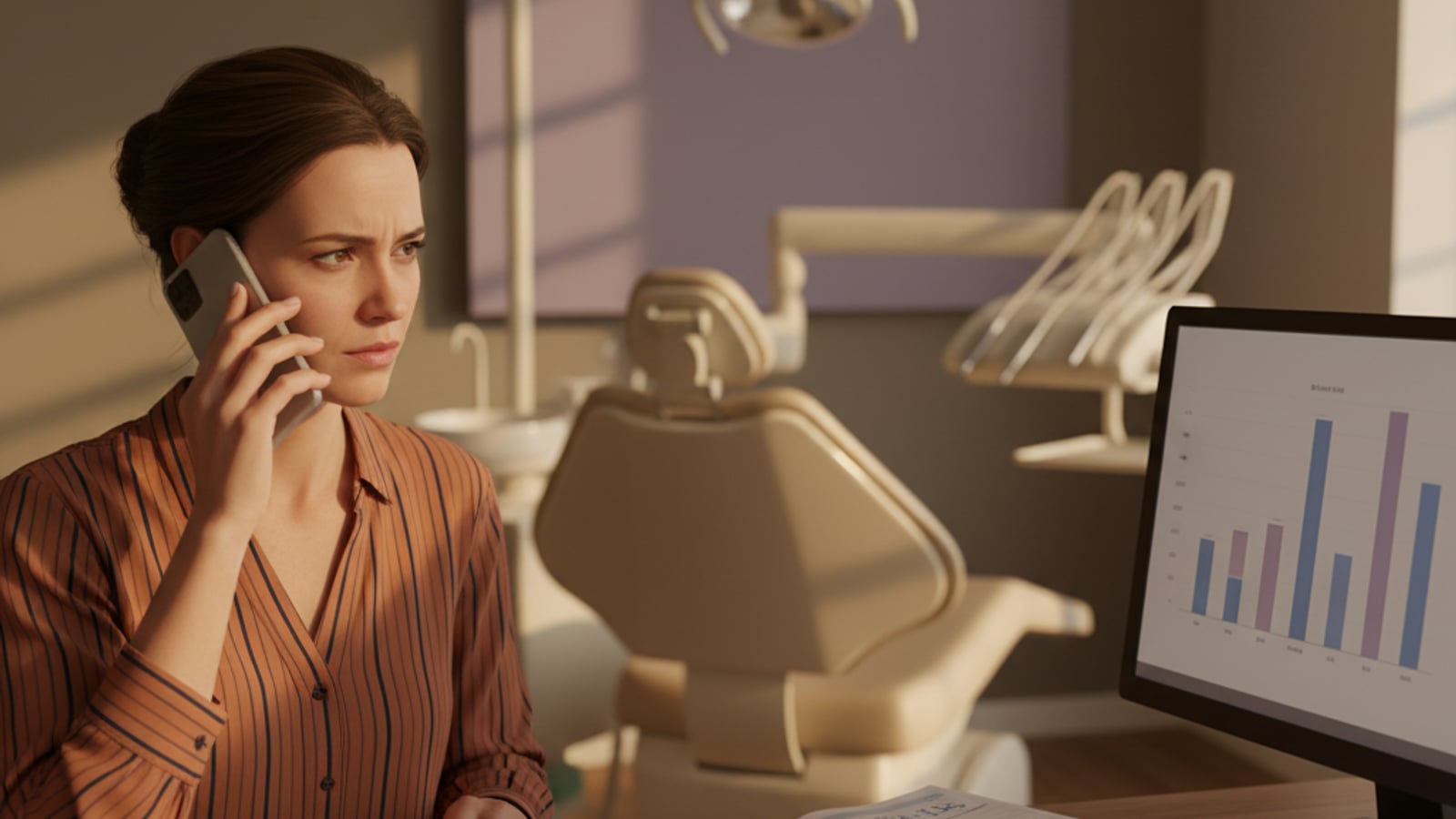
The first place is the new-patient inquiry that lands outside business hours. A prospect with a chipped tooth fills out a contact form at 7pm on Tuesday. The front desk sees it at 8am Wednesday. By then the prospect has already called the next practice on the search results, gotten a same-evening text back, and booked. Harvard Business Review's research on the short life of online sales leads found firms that responded within an hour were nearly seven times more likely to qualify the lead than firms that waited even an hour longer — and the dental version of that math is even more punishing, because the chipped-tooth prospect is not patient.
Same-day cancellations that go empty
The second place is the same-day or short-notice cancellation. Mrs. Johnson calls at 9am to cancel her 2pm crown seat. The front desk is on three other calls. By the time anyone gets to fill the slot, it is 11am, the waitlist is in a binder somewhere, and the 2pm opening goes empty. The ADA Health Policy Institute's poll on practice schedules found nearly 82% of dentists cite no-shows and short-notice cancellations as the single largest factor keeping their schedules below capacity. That open 2pm slot is not a small loss — at the Dental Economics benchmark of around $3,500 per doctor per day, an unfilled crown seat is a four-figure production hit before the day is over.
Recall that dies after one email
The third place is recall reactivation. A patient comes in for a cleaning. Six months later the system sends one email reminder. The email gets ignored. The patient does not get another touch until the next system-generated nudge, which the patient also ignores. Eighteen months later the patient is gone, and nobody at the practice noticed it happen — because the loss is silent. ADA HPI data shows only 53% of working-age adults with private dental insurance had a dental visit in 2023, which means even an insured base requires active recall to actually come back.
None of these are problems the front desk is doing wrong. They are problems of capacity. There is no front desk in the country that has time to text a 7pm web inquiry, work a ranked waitlist before the day starts, and run a six-touch reactivation campaign on every overdue recall patient, while also answering the phone and checking patients in.
What changes for your business
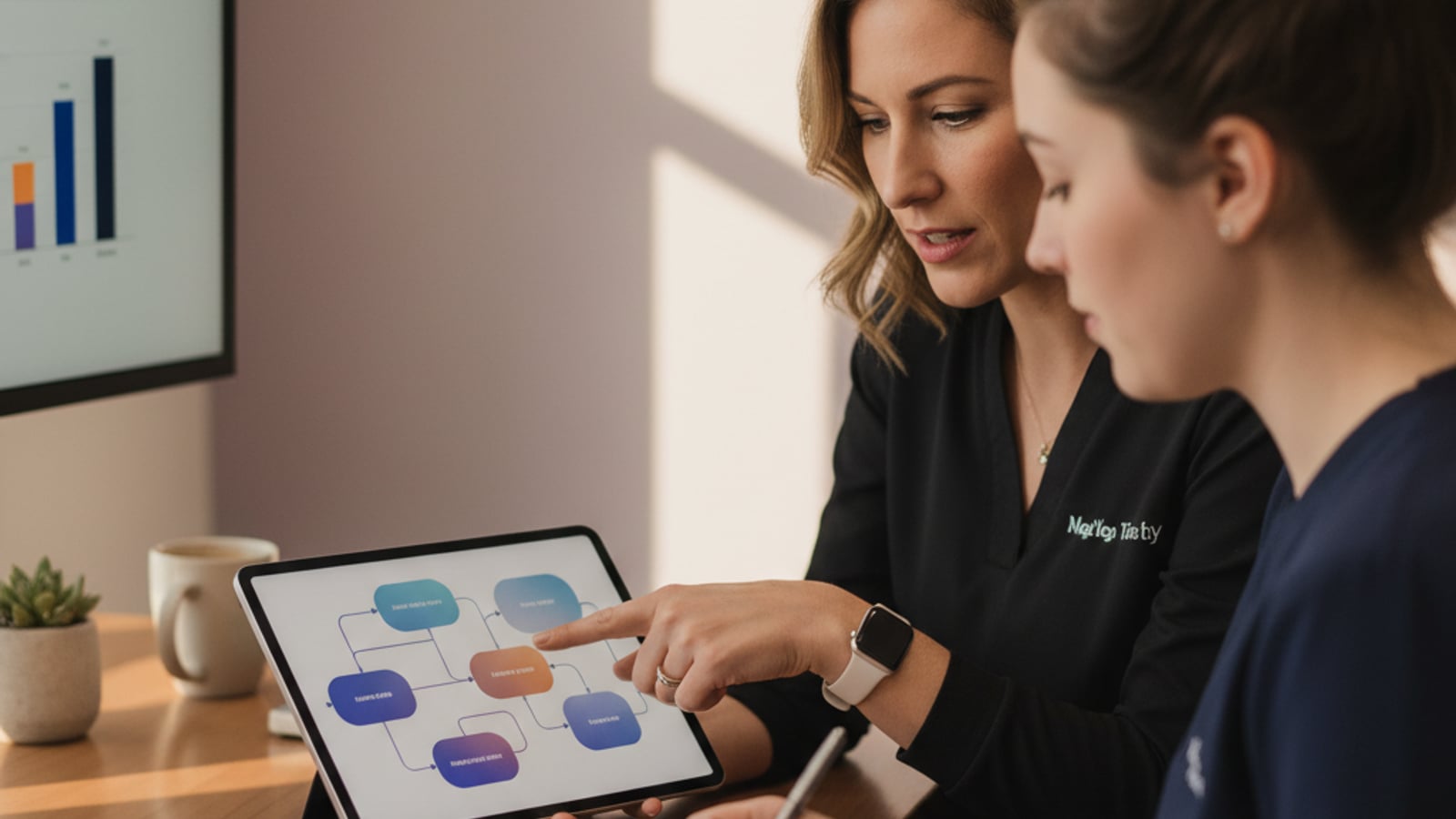
The autopilot fills the gap where the front desk runs out of hours. It is three flows that run in the background of the existing front-desk workflow, written in the practice's voice, and handed off to the team the moment a patient actually replies.
New-patient inquiry response
The first flow is new-patient inquiry response. A web form fill, a missed call, or a Google business profile message triggers an outbound SMS within roughly 5 minutes — confirming the practice received the inquiry, acknowledging what the patient asked about (new patient exam, emergency, second opinion, cosmetic consult), and offering either a couple of likely appointment windows or a self-schedule link. The 7pm inquiry gets a 7:04pm acknowledgement instead of an 8am callback that often misses the prospect entirely. By morning, the inquiry is warm, the intent is captured, and the front desk picks up a conversation that is already moving toward booked.
Waitlist fill on cancellations
The second flow is the waitlist fill. When the schedule registers a same-day or short-notice cancellation, the system pulls a ranked waitlist — patients who flagged themselves as wanting an earlier slot, sorted by treatment type and how long they have been waiting — and texts the open window out. The first patient to confirm gets the slot. The rest get a courteous note that it is filled. The 2pm crown opening that would have gone empty becomes a recovered chair hour, and the team did not spend the morning chasing it.
Multi-touch recall reactivation
The third flow is recall reactivation as a sequence, not a single ping. A patient hitting 6 months overdue gets a soft prompt. At 9 months, a different prompt with a different ask. At 12 months, the message acknowledges the gap and offers an easy way back in. At 18 months, a final outreach. Each touch is written for that window and uses the channel — text, email, or both — most likely to land for that patient based on prior engagement. The recall list stops growing silently. Hygiene chairs that fund roughly a third of practice production stay full.
What changes for the practice business: the chair runs closer to capacity, the front desk gets its weekend voicemail pile sorted before they walk in, and the cost of slow follow-up — measured in lifetime value, which Dental Economics puts anywhere from $500 to $50,000 per retained patient depending on the case mix — stops being absorbed silently.

What we build for a dental practice
A first-phase deployment is scoped to ship in 2 to 4 weeks and covers the three flows in plain language. None of this requires the practice to change its practice management software, retrain the front desk, or move the patient record out of where it already lives.
For new-patient inquiry response, the deliverable is a configured intake that catches inquiries from the practice website, the main phone line (missed-call detection), and Google business profile messages, and fires a first SMS within roughly 5 minutes. The message is written in the practice's voice, captures intent (new patient, emergency, recall, consult), and offers either appointment windows or a self-schedule link. Replies route to the front desk in the channel the team already uses, with the conversation history attached.
For waitlist fill, the deliverable is a ranked waitlist built from patient preferences (earlier appointment requested, willing to come on short notice, treatment type they are waiting on) and a cancellation trigger that pulls the right candidates and texts the open slot. The team can see which patient confirmed and from where, and the practice management software gets the new appointment recorded the way it already does.
For recall reactivation, the deliverable is a multi-touch sequence across the 6, 9, 12, and 18-month windows, written in the practice's voice, with the tone adapting to the length of the gap. The sequence respects patient communication preferences (text-only, email-only, both) and stops the moment the patient books or replies.
We also wire up a simple monthly report so the practice owner can see what the autopilot recovered — new patients booked from after-hours inquiries, chair hours filled from the waitlist, recall patients reactivated — without having to dig through patient records to find it.
Outcomes you should expect
What this delivers
- Get new-patient inquiries acknowledged inside 5 minutes — including the 7pm call that would otherwise sit until the morning, by which point the prospect has called the next practice on the search results.
- Fill same-day and short-notice cancellations from a ranked waitlist before the slot goes empty, typically recovering 1 to 3 chair hours per week that would have been lost production.
- Run multi-touch recall reactivation on lapsed patients (6, 9, 12, 18 months overdue) so the recall doesn't die after one ignored email — bringing back hygiene appointments that fund a third of practice production.
- Reduce after-hours front-desk burden — the auto-response handles the first touch, captures intent, and queues the right next step so the team isn't triaging missed-call voicemails first thing Monday.
- Track which inquiry sources (Google, insurance directory, referral, walk-in) actually convert to booked exams, so the marketing spend can shift toward the channels paying for themselves.
Industry data
By the numbers
Harvard Business Review research on 1.25 million leads across 42 companies found that firms contacting a prospect within one hour were nearly seven times as likely to qualify the lead as firms that waited even an hour longer — and more than 60 times as likely as firms that waited 24 hours or longer.
An ADA Health Policy Institute poll of practicing dentists found nearly 82% identified patient no-shows and cancellations with less than 24 hours' notice as the largest factor preventing their schedules from reaching 100% capacity — making waitlist fill the single biggest lever on practice production.
Dental Economics benchmarks for a well-marketed general practice put new patient acquisition at 20 to 25 new patients per month per doctor, with target daily production of $3,500 per doctor and roughly $1,000 per hygienist — numbers that depend directly on filled chair time.
According to ADA Health Policy Institute data, only 53% of working-age adults with private dental insurance had a dental visit in 2023, dropping to 24% for those with public insurance and 16% for the uninsured — meaning even an insured patient base requires active recall to come back.
Dental Economics treatment plan benchmarks put a healthy case acceptance rate above 70%, with the lifetime value of a retained patient running anywhere from $500 to $50,000 depending on the case mix — which makes the cost of losing a new-patient inquiry to a slow response far larger than the inquiry itself.
Illustrative scenario
What this typically looks like
The scenario below is illustrative — a representative outcome for a business that fits this service profile, not a claimed client engagement.
This is an illustrative scenario, not a description of a specific client engagement. It shows how the math typically lines up.
Picture a two-doctor general practice running at around 82% schedule capacity, fielding roughly 30 new-patient inquiries a month across phone, web form, and Google business profile. The front desk is competent and full-time, but cannot get to after-hours inquiries until the morning and cannot work a waitlist fill before 10am most days.
In a typical month, that practice might recover 4 to 6 new-patient inquiries that would have been lost to slow follow-up — booked exams that would otherwise have gone to a competitor with a faster text. At a Dental Economics benchmark of 20 to 25 new patients per month per doctor as a healthy baseline, that is a meaningful percentage of monthly new-patient growth coming back from inquiries the practice already paid for.
On the waitlist side, recovering 1 to 3 chair hours a week from same-day cancellations adds up to roughly $4,000 to $12,000 in monthly recovered production at the $3,500-per-doctor benchmark. The recall reactivation flow tends to bring back a steady trickle — typically 5 to 15 lapsed patients a month back onto the hygiene schedule, which compounds because each one is also a future restorative case.
The actual numbers will vary with the practice. The shape of the math does not.
Common questions
What buyers ask before reaching out
What is lead nurture automation for a dental practice, in plain terms?
It is a set of automatic follow-up messages — text, email, and sometimes a missed-call callback — that fire when a new-patient inquiry comes in, when a hygienist's chair opens from a cancellation, or when a patient is overdue for recall. The practice still owns every patient relationship; the automation handles the first touch and the persistence, so a 7pm web form fill gets a text back inside 5 minutes instead of waiting until the front desk opens. Nothing is sent that a team member would not have sent themselves — the automation just guarantees it goes out, in the right window, in the practice's voice.
Does this replace our front desk?
No. The front desk still owns booking, treatment plan conversations, and any patient who replies. What changes is what the front desk is doing on Monday morning — instead of triaging a stack of weekend voicemails and trying to remember which Mrs. Johnson called about which crown, they walk in to a list of already-acknowledged inquiries with intent captured (new patient versus existing, type of treatment, insurance) and a waitlist that has already been worked. It typically saves several front-desk hours a week and shifts the team toward the higher-value patient conversations.
Will this work with our practice management software (Dentrix, Eaglesoft, Open Dental)?
We design the autopilot to sit alongside your practice management software rather than try to replace it. The exact connection depends on which system you run and what version — some allow a direct connection, others work better with a thin reporting layer that reads your daily schedule and patient list. We confirm the integration shape in the first conversation before quoting, so there are no surprises. The patient record of truth stays in the practice management software; the automation reads from it and writes patient communications back into it where the system supports that.
What happens with after-hours calls — the 7pm inquiry that decides whether someone books with us or the practice down the street?
After-hours inquiries are the highest-leverage piece of the system. A new-patient call or web form fill at 7pm gets an auto-text within a few minutes, written in the practice's voice, confirming the practice received the inquiry and offering a couple of likely appointment windows or a link to self-schedule. If the inquiry was a missed phone call, the system can also send a short SMS that links back to a callback request. By morning, the inquiry is already warm, has signaled what kind of visit it wants, and is far less likely to have moved on to the next practice in their search results.
How does the waitlist fill work when someone cancels?
When the schedule registers a same-day or short-notice cancellation, the system pulls a ranked waitlist — patients who flagged themselves as wanting an earlier appointment, sorted by treatment type and how long they have been waiting — and sends a text offering the open slot. The first patient to confirm gets the slot; the rest get a polite note that it's filled. The practice does not have to scroll through patient lists at 8am hoping to fill a 2pm opening; the automation has already worked the list before the day starts.
What about recall — the 6-month, 9-month, overdue hygiene patients?
Recall is the slowest-burn, biggest-payoff piece. Most practices send one reminder at the 6-month mark and then the patient quietly lapses. The autopilot runs a multi-touch sequence — text, email, then a different ask at the 9-month and 12-month windows — and adapts the tone based on how long it has been. An 18-month-overdue patient gets a different message than a 6-month one, because the conversation is different. The result is hygiene chairs that stay full, which directly supports the third or so of practice production that comes out of hygiene.
What does this cost and how long does it take to set up?
Pricing depends on the size of the practice (single doctor versus multi-provider), the practice management software in use, and how many of the three flows — new patient, waitlist fill, recall — go live in the first phase. Most single-location general practices run a fixed-scope first phase in the low four figures of setup with a monthly run rate after that, and go live in 2 to 4 weeks. We confirm scope and pricing on a 15-minute call before any work starts, with no per-message charges that scale with patient volume.
Ready to see what this looks like for your business?
A free 15-minute call. We talk about your business, the time and revenue you'd unlock with the right automation, and what the first 30 days could look like.