
Volunteering is messy in the best way, full of human moments, last-minute swaps, and those small miracles when everything comes together. Schedules get rewritten, people call in saying they can’t make it, and someone ends up doing two shifts back to back. That chaos is exactly why automating volunteer coordination matters; it doesn't replace the human heart behind the work, but it makes the logistics manageable.
Why automation matters right now
Non-profits are running leaner than ever, with staff juggling fundraising operations program delivery and community engagement. You probably know this already, but the thing is, volunteer coordination often lands on whoever has time that week, and that’s a recipe for burnout. Automating volunteer scheduling automation reduces that friction, saves time, and frees up people to focus on mission-critical tasks rather than admin (which is usually the kind nobody signed up for).
And automation helps consistency. When your processes are partly manual, you get pockets of tribal knowledge, and when the key person leaves or is on vacation the whole system can falter. Automation captures rules, preferences and compliance requirements in a way that’s repeatable and auditable. It doesn't remove judgement, but it helps you apply it at scale.
Core components of a volunteer automation system
There are a few things any robust system should handle. First, volunteer profiles and skills need to be structured so you can match people to roles without guesswork. Second, availability and shift management should be dynamic--people update their calendars and the system recalculates who fits where. Third, communication needs to be automated but personal, like templated reminders that still feel like they came from a person.
And you want to layer compliance and training tracking on top, because many roles require certifications or background checks. Automating those checks--or at least flagging missing items--prevents last-minute scramble when a volunteer shows up and can't be deployed. That saves embarrassment and potential legal risk.
Technology building blocks
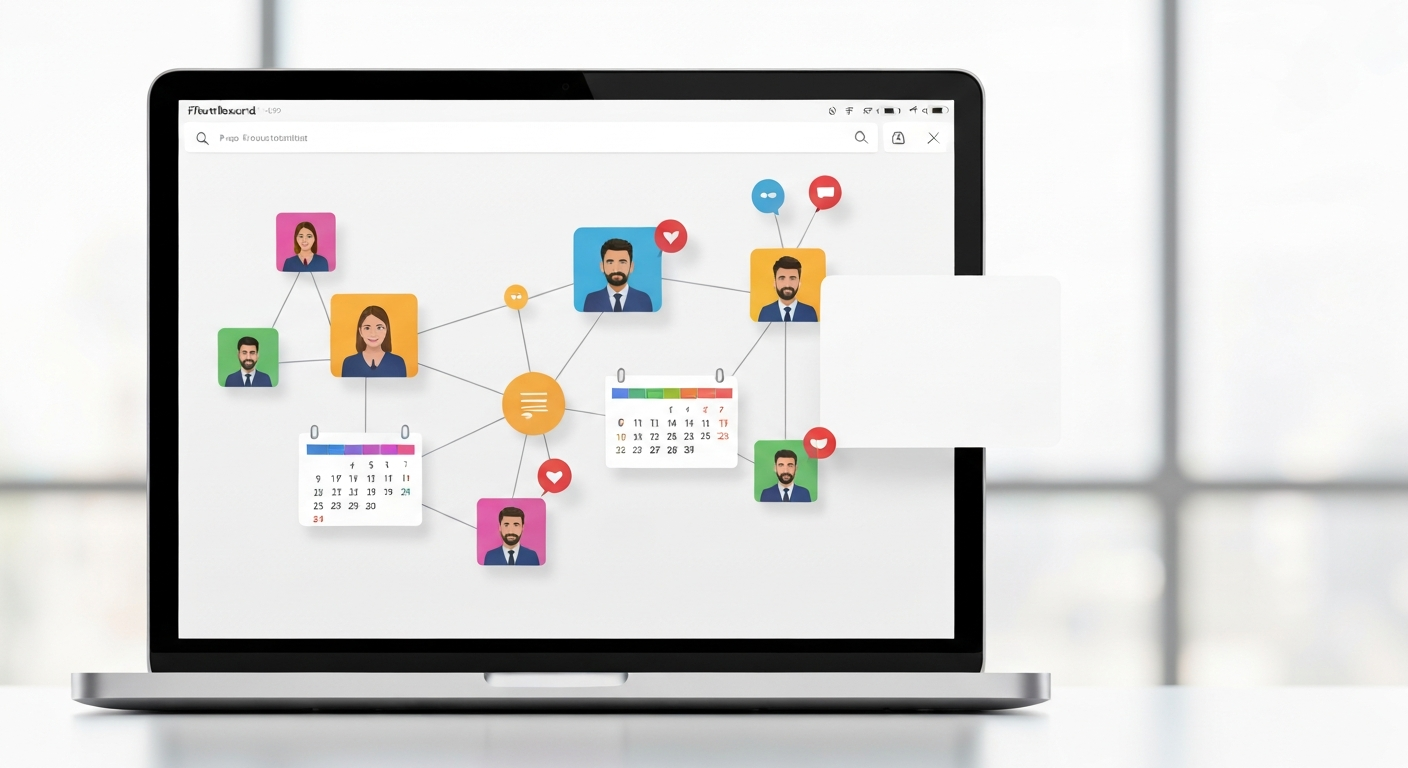
At the technical level you'll be looking at volunteer databases, calendar integrations, notification engines and reporting. Increasingly non-profit ai features can help with matching, capacity forecasting and language personalization (so messages sound human not robotic). When you combine volunteer scheduling automation with simple machine learning you can predict no-shows, optimize shift assignments and even suggest training pathways for volunteers who want more responsibility.
Trade-offs and real-world constraints
Automating sounds great but there are trade-offs you need to weigh. The biggest one is flexibility versus control. If you automate assignments tightly you might maximize coverage but you risk alienating volunteers who want autonomy. If you favor choice you might end up with gaps in critical roles. There's no perfect answer; it depends on your culture, the type of volunteer work, and the tolerance for manual intervention.
But techno-optimism can be a trap too. Complex systems require maintenance, and small organizations can't always support a high-tech implementation. Cloud platforms with managed services often work better for small teams because they handle uptime and updates, but then you trade off some customization. I think starting with a simpler, well-supported tool often beats a custom built solution that you won't maintain.
Implementation roadmap that actually fits non-profits
Begin adjacent to the tech--start with the problem. Map how volunteers flow through your organization from recruitment to onboarding to scheduling to offboarding. You don't need to design the software on day one. After mapping you'll see bottlenecks and low-hanging automation opportunities like shift confirmations, waitlists and automatic skill matching.
Next pick one or two use cases to automate and pilot them. For example automate the weekly shift reminders and the swap requests first. Those tend to reduce calls and late arrivals fast, giving you quick wins and staff buy-in. Then add scheduling optimization and reporting. Small iterative steps are less scary and more sustainable than a big overnight change.
And involve volunteers in the design. They’ll tell you what they want or don’t want, and their feedback will surface edge cases you wouldn't have guessed. Volunteers are your best usability testers, and if you involve them early they’ll help evangelize the system when you roll it out.
Change management and human factors
Technology rarely fails because of bugs. It fails because people don't adopt it. So treat rollout like a culture project not just a software deployment. Communicate clearly, set expectations, and provide easy support channels. A simple FAQ and a volunteer-facing help desk (even if it's one dedicated phone hour a week) will quiet most resistance. Training sessions should be short and practical, not a two-hour lecture about features nobody asked for.
And don't forget the incentives. Gamification like badges or public appreciation shout-outs can increase engagement, but don't overdo it. Recognition should be sincere, not manufactured. The goal is to make volunteers feel valued while making the admin less painful.
Data, privacy and ethical considerations
When you're automating volunteer coordination you're collecting personal data--names, contact info, availability, maybe background check results. Privacy is a real issue. You should only store what's necessary, encrypt sensitive data where you can, and have a retention policy so you don't hold on to data forever. That builds trust with volunteers and keeps you on the right side of regulations.
Non-profit ai features add another layer of ethical questions. If you're using automated matching or predictive analytics think about bias. Models trained on historical data can perpetuate inequities, so monitor outcomes and let volunteers appeal or opt out. Transparency matters; offer a simple explanation of how decisions are made, and give people a way to contest them.
Measuring success without obsession
Pick a few operational metrics that map to your mission. Fill rates, no-show rates, time spent on scheduling, and volunteer retention are practical measures. But also track qualitative signals like volunteer satisfaction and staff burnout, because the numbers don't capture morale. You're trying to free human energy for the mission, not just optimize a KPI for vanity.
Reporting should be straightforward and frequent enough to catch trends but not so frequent it creates report fatigue. Monthly dashboards paired with quarterly reviews usually do the trick for most organizations. And use those reviews to decide whether to expand automation to new workflows like volunteer training assignments or recurring committee staffing.

Common pitfalls and how to fix them
A few common mistakes keep showing up. One is over-automation--pushing volunteers into slots without honoring preferences or past contributions. The fix is to allow overrides and build in preference weighting so people who've shown up reliably get priority when appropriate. Another mistake is ignoring edge cases like last-minute cancellations or multi-role volunteers who can't be swapped easily. Simulate those scenarios and bake in manual fallback processes.
And don't assume a single system will solve everything. Integration matters. Calendar sync, CRM integration and fundraising systems often need to talk to each other. If integration is hard, focus on a few critical touchpoints rather than chasing full system replacement.
Cost considerations and budget realities
Budget constraints are real. You can spend a lot or you can start small. Open source tools and low-cost SaaS platforms can get you part of the way there, while enterprise solutions provide more scale and support. Factor in staff time for governance, data cleanup and vendor management. Often the best approach is a hybrid: cheap tools for immediate needs and a roadmap for strategic upgrades as the organization grows.
Also plan for recurring costs like subscription fees and training. Migration costs show up later and can be painful if you didn't budget for them. Build a three-year TCO estimate--it's not glamorous but it stops surprises.
Future trends to watch
Non-profit ai will keep getting better at matching and personalization and at predicting volunteer supply and demand. Volunteer scheduling automation will become more conversational--chatbots that handle swap requests or confirm availability in plain language. Also expect more integrations with digital wallets and micro-volunteering platforms that let people contribute even when they've only got 15 minutes.
But technology isn't magic. Some roles will always need human judgement, and relationships will remain central. It's both simple and impossibly complex.
Final thoughts
Automating volunteer coordination isn't about replacing people, it's about enabling them. With thoughtful design and pragmatic steps you can reduce admin strain, improve reliability and create better experiences for volunteers and staff. Start small, keep volunteers involved, watch for bias in non-profit ai features, and measure both numbers and morale. I once jumped into a Sunday shift when the roster fell apart, so I know the scramble. You probably will too, but with the right automation you won't have to reinvent the process every time.
If you're unsure where to start, map the painful moments, pick a single automation that fixes one pain and iterate. It won't be perfect, and you might be wrong about some choices, but you'll get better quickly if you stay practical and keep people at the center.